Three ways to open the door to a client's project.
The dashboard is state-driven — it surfaces only what a client actually has active, and never shows a hollow screen. Each option below is rendered with the same realistic mixed-state client: a production project mid-lifecycle, a sample order in transit, and a material board in progress. Under each, a note shows how it collapses gracefully to a single-state client.
Production project · milestone 4/6Samples · in transitMaterial board · in progressNever empty · next-up states
A
Option A — Activity Home · prioritized vertical stack of status cards
Here's everything moving on your projects right now — most important first.
Needs you
Approve the production quote for LIVV Wellness — reviewing now keeps milestone 5 on schedule.
In production
San Diego, CA
LIVV Wellness
Production lifecycleMilestone 4 / 6 · 142 items
Files
Review
Quote
Contract
Production
QC · Ship
On track — casegoods in fabrication, next QC review Aug 2.
In transit
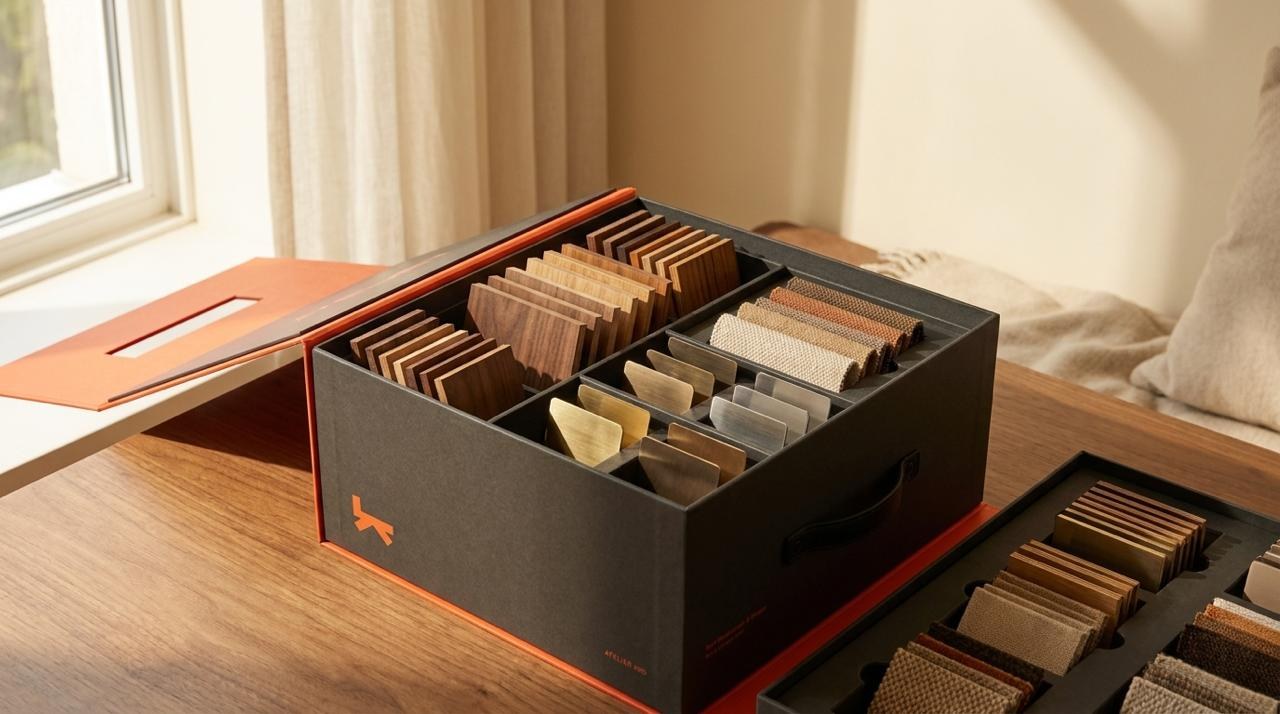
Order #A-2287 · 6 swatches
Sample order
Shipping statusFedEx · arrives Jul 21
Oak
Sage
Linen
Ink
Clay
Bone
Ordered
Packed
In transit
Delivered
Left the Atelier Lab — tracking 7749 2201 8834.
In progress
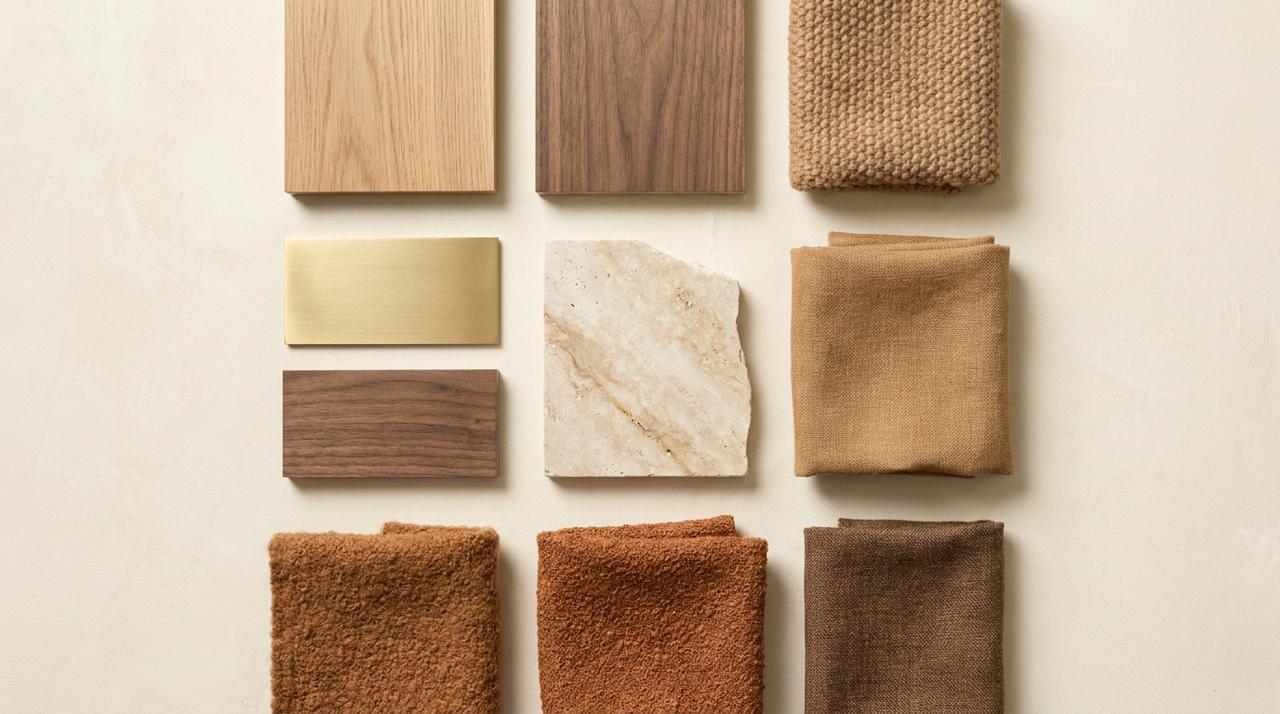
Palette · 12 materials
Material board
Your working paletteLast edited 2 days ago
+9
3 materials ready to turn into a sample order.
Activity Home reads top-to-bottom like a feed: a dark "Needs you" strip pins the single most urgent action, then one full-bleed card per active thing — production, samples, board — each self-contained with its own timeline and next action.
Single-state client
The stack simply renders fewer cards. A samples-only client sees the greeting, a "Needs you" nudge to complete checkout, and just the Samples card — the empty production/board slots are replaced by one soft "Start a project / Build a board" invitation card, so it never looks broken.
B
Option B — Project Workspace · persistent left-sidebar app shell
Overview · Welcome back, Ava
LIVV Wellness
In production
Client Ava Marchetti · 7514 Girard Ave, La Jolla · San Diego, CA 92037
Your working palette — 12 materials, last edited 2 days ago.
+10
Project Workspace is the app-like option: a persistent left rail (Overview · Materials · Samples · Production · Messages) with live counts, a project switcher up top, and an Overview that stitches every active state into one screen — stats row, full-width production card, then samples + board side-by-side.
Single-state client
Sidebar items with no data still show but read as "Not started — add materials" instead of a count. The Overview drops the sections that don't apply and expands the active one; a board-only client lands directly on a full Materials view, and the stats row collapses to the single active metric.
C
Option C — Bento Dashboard · at-a-glance grid of importance-sized tiles
The revised lounge-seating quote is ready. Approving keeps milestone 5 on schedule.
Samples · in transit
Ordered
Packed
In transit
Delivered
6 swatches · FedEx · arrives Jul 21
Material board
12 materials · 3 ready to sample
Items in project
142
18 awaiting your specs
Next delivery
Aug 14
Est. ship after QC
Bento Dashboard is the glance-first option: importance sets tile size. A large project tile with the lifecycle timeline anchors it, a bright accent "Needs you" tile drives the primary action, and samples-in-transit, the palette preview, and quick stats fill in around them.
Single-state client
Tiles render only for active states, and the grid re-flows to fill the space. A samples-only client sees the samples tile promoted to the large slot beside a "Needs you: complete checkout" tile plus a soft "Start a material board" invite tile — the bento never leaves an awkward hole.
D
Option D — Workspace + Bento · persistent left rail (B) + importance-sized bento main (C)
Overview · Welcome back, Ava
LIVV Wellness
In production
Client Ava Marchetti · 7514 Girard Ave, La Jolla · San Diego, CA 92037
Workspace + Bento is the front-runner hybrid: it keeps Option B's persistent left rail (project switcher + Overview · Materials · Samples · Production · Messages with live counts) for orientation and one-click navigation, but swaps B's stacked body for Option C's importance-sized bento grid — a large project tile with the lifecycle timeline, a bright "Needs you" tile, samples-in-transit, palette preview, and quick stats — so the client gets an app-shell to move around and a glance-first home.
Single-state client
Sidebar items with no data still show but read as "Not started" instead of a count, and the bento reflows to only the active tiles — a board-only client keeps the rail for context while the grid promotes the Material Board tile to the large slot beside a "Needs you: order your first samples" tile, so neither the rail nor the grid ever leaves a hollow space.
E
Option E — Cover Command Center · full-bleed project cover hero + action-module grid
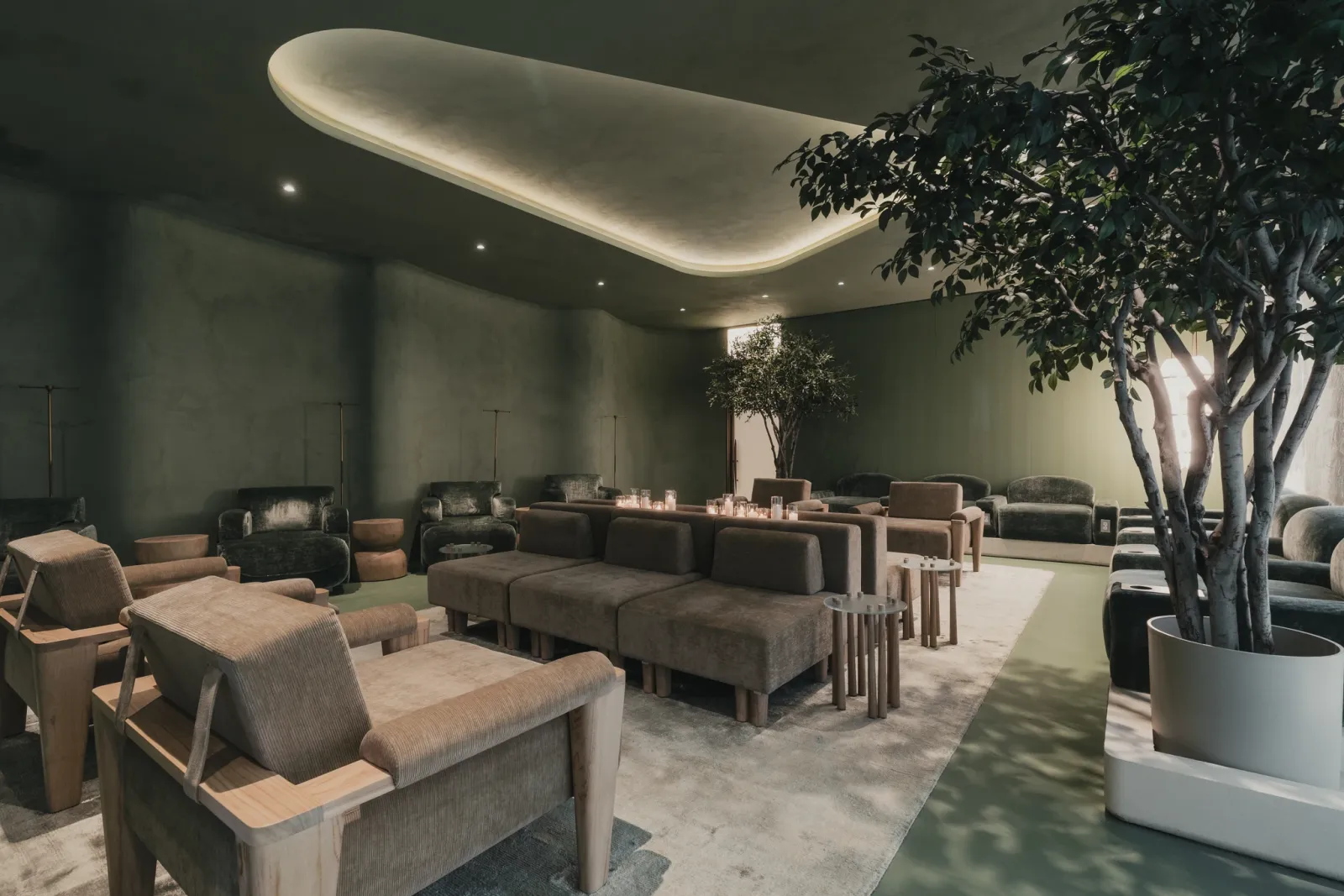
Cover Command Center leads with a full-bleed project cover hero — the LIVV Wellness image under a soft scrim, with the project name, status, client + address, the Fragment-Mono facts row, and a glass production-manager chip overlaid, straight out of the marketing image-overlay language. Below it, a clean grid of action modules (Production, Samples, Material board, Payments, Shipping) turns the home into a command center — image-forward and editorial, never a spreadsheet.
Single-state client
The cover always renders — for a samples-only client the hero uses the sample-order image and status, and the module grid drops to the active modules (Samples + a soft “Start a project / Build a board” invite), so the command center stays cinematic and full, never hollow.
F
Option F — Production Timeline Spine · lifecycle stepper as the centerpiece
Working palette · 12 materials · 3 ready to sample.
Payments
$18,400
Balance · next invoice due Aug 5 · PO #LIVV-024.
Production Timeline Spine makes the lifecycle the centerpiece: a prominent Uploaded → In review → Quote → Contract → In production → QC → Shipping → Delivered rail, with the current “In production” stage active and expanded into a detail panel — milestone 4/6, casegoods in fabrication, and the next action (Approve quote / View milestone). Samples, material board, and payments sit below as secondary panels, so a client always knows exactly where the project is.
Single-state client
The spine still renders end-to-end but greys the stages not yet reached; a client early in In review sees that node expanded with “Atelier is reviewing your files” instead of an approval. Supporting panels drop to whatever is active, and an empty payments/samples slot becomes a soft “what’s next” invite — the spine is never blank.
G
Option G — Cover + Full-Width Status Spine · E’s cover hero + F’s lifecycle spine as a permanent full-width band
Working palette · 12 materials · 3 ready to sample.
Payments
$18,400
Balance · next invoice due Aug 5 · PO #LIVV-024.
Cover + Full-Width Status Spine fuses Option E’s cinematic cover hero with Option F’s lifecycle stepper — but pins the spine as a permanent full-width band edge-to-edge under the hero. The Uploaded → In review → Quote → Contract → In production → QC → Shipping → Delivered rail is the hero element (our claim to fame), with the live “In production” stage expanded into milestone 4/6 detail and the next action. Samples, material board, and payments sit below as action modules — shipping/production live in the spine, so nothing is duplicated.
Single-state client
The cover always renders and the full-width spine stays the anchor — for a client early in In review the spine greys later stages and expands the review node (“Atelier is reviewing your files”), while the module grid drops to whatever’s active plus a soft “what’s next” invite. On narrow screens the spine scrolls horizontally rather than shrinking nodes illegibly, so the status bar is always readable and always full width.
H
Option H — Cover Hero + Sidebar · full-bleed cover hero beside the collapsible app rail
Production spine · where your project is right nowMilestone 4 / 6 · 142 items
Uploaded
In review
Quote
Contract
In production
QC
Shipping
Delivered
Current stage · In production
Milestone 4 of 6 — casegoods in fabrication
The lounge-seating revised quote is ready for your approval — signing off keeps milestone 5 on schedule. Next QC review Aug 2.
Cover Hero + Sidebar keeps the persistent collapsible app rail on the left while the main area opens on Option E’s cinematic cover hero — project name, stage badge, facts row and glass PM chip over the LIVV image. Directly below the hero sits Option G’s status spine + current-stage card, so a client gets the immersive first impression and the exact lifecycle position without leaving Overview.
Collapsed rail
Hit the toggle and the sidebar shrinks to a 56px icon-only rail — the hero and spine expand to fill the width. Nav (Overview · Items · Materials · Approvals · Shipping · Docs · Messages · Schedule · Team) stays reachable as icons with the active accent bar intact.
I
Option I — Dashboard Cards + Sidebar · data-forward two-column card grid, no cover photo
Overview · Dashboard
Welcome back, Ava.
Needs you
Approve the production quote for LIVV Wellness — reviewing now keeps milestone 5 on schedule.
Revised quote issued for lounge seatingMarcus Devlin · today, 9:14 AM
Sample order #A-2287 left the Atelier LabFedEx · yesterday, 4:02 PM
3 materials added to your boardAva Marchetti · Jul 15
Dashboard Cards + Sidebar drops the cover photo for a clean, data-forward home: a dark “Needs you” strip pins the urgent action, then a two-column card grid — Production status (segmented lifecycle bar), Shipping tracker, Material palette preview, PM contact chip, and a full-width Recent activity feed. Everything the client needs to act on, no scrolling past imagery.
Single-state client
The grid simply renders fewer cards — a samples-only client sees the “Needs you” nudge, the Shipping tracker and PM chip, and one soft “Start a project / Build a board” invite card fills the empty slot so the dashboard never looks bare.
J
Option J — Timeline Focus + Sidebar · Gantt-lite milestone timeline as the centerpiece
Timeline Focus + Sidebar leads with a large Gantt-lite milestone timeline — each of the six production milestones is a rectangular bar positioned across a May–Nov axis, with a % fill and a done/current status dot. The live “Production” bar shows 64%. Below sits a compact items summary for the current milestone plus two key stat chips (days to delivery, open approvals) — built for clients whose first question is always “when.”
Single-state client
Early-stage projects show the same axis with only the reached bars filled and later milestones greyed as estimates; a client in “In review” sees bar 1 active with “Atelier is reviewing your files,” and the stat chips swap to whatever’s relevant — the timeline is never empty.
K
Option K — Split: Status + Feed + Sidebar · three-panel: rail · sticky vitals · scrollable update feed
Overview · Status & updates
Welcome back, Ava.
Today · Jul 18
Approval needed · 9:14 AM
Revised quote for lounge seating is ready for your approval. Signing off keeps milestone 5 on schedule.
MD
Message · Marcus Devlin · 8:40 AM
“Casegoods are moving well — we’ll have the first QC photos to you by Aug 2. Let me know if you have questions on the revised quote.”
Yesterday · Jul 17
Shipment · 4:02 PM
Sample order #A-2287 (6 swatches) left the Atelier Lab — FedEx, arriving Jul 21. Tracking 7749 2201 8834.
Photo update · 11:20 AM
4 new fabrication photos added to milestone 4 — White Oak casegoods on the floor.
Jul 15
Material board · Ava Marchetti
Added 3 materials to your board — now 12 total, 3 ready to turn into a sample order.
Split: Status + Feed + Sidebar is a true three-panel layout: the collapsible rail (shown here collapsed to icons), a sticky vitals column (stage, 64% completion, milestone, open approvals, next milestone, PM chip) that stays put while you scroll, and a wide activity feed on the right — approvals, messages, shipments and photo updates, newest first. The client always sees where things stand and everything that just happened, side by side.
Single-state client
Vitals collapse to whatever the client has (a samples-only client shows delivery ETA and tracking); the feed simply carries fewer event types, and a first-time client sees a welcome entry plus a “what happens next” note so the feed is never empty.
L
Option L — Minimal + Sidebar · the anti-dashboard: one card, four chips, what needs you
Project home · Welcome back, Ava
LIVV Wellness
Stage 5 · In production · 62% complete
142
Items
1
Approvals
Jul 21
Next delivery
4 / 6
Milestone
What needs your attention
Approve the revised production quoteLounge seating · keeps milestone 5 on schedule
Sample order arriving Jul 21#A-2287 · 6 swatches · FedEx in transit
Minimal + Sidebar is the anti-dashboard: the persistent rail for navigation, and in the main area a single calm white card — the project name large in Roobert light, a one-line status (Stage 5 · In production · 62% complete), four stat chips (Items · Approvals · Next delivery · Milestone), and a short “What needs your attention” list of one to three action items. Nothing else competes for the eye.
Single-state client
With nothing pending the attention list becomes a single reassuring line (“All caught up — Atelier is in production, next update Aug 2”) and the chips reflect only active data. A brand-new client sees the same card with a “Start your first project” action — always one clear next step, never a wall of widgets.
How these mockups behave
State-driven: every option renders modules only for what the client has active — production, samples, and/or material board — in this mix client all three show together.
Never hollow: empty areas convert to "next up / in review / what Atelier is doing" invitations rather than blank space.
Shared lifecycle: Files → In review → Quote → Contract → In production → QC · Ship, shown here at milestone 4/6.
Mix client: Ava Marchetti · LIVV Wellness (San Diego) — production 4/6, sample order #A-2287 in transit, 12-material board in progress.
Design system: Roobert + Fragment Mono, accent #F1613A, 10px controls, 7–16px cards, full-bleed image + overlaid label, #FAFAF8 canvas — no pills, no inset hairline frames.